In this practical webinar, you will learn a handful of the most useful and often used formulas in Excel. These will include: VLookup, HLookup, Text to Columns, Concatenate, and remove Duplicates, and more!
WHY SHOULD YOU ATTEND?
Leery of those cryptic Excel Functions and syntax? The ultimate goal is to empower the attendees by demonstrating the most common formulas so they understand formula syntax to build and fix their own calculations as needed.
Attend this webinar and you’ll learn time-saving formulas that will improve your efficiency on projects.
AREA COVERED
Text To Columns and then Reverse w/ Concatenate
Use two types of IF Functions (Logical and Error)
Understand the syntax of the VLookup and HLookup formulas
Transpose Data that may be organized incorrectly
Remove Duplicates while staying in charge of the process with Conditional Formatting
Name Box - Advanced level
Absolute Ref vs Named Range in Formulas
How to Audit Formulas
WHO WILL BENEFIT?
Anyone who is mostly self-taught in Excel, from beginner to advanced, will learn amazing tips in this webinar
SPEAKER PROFILE
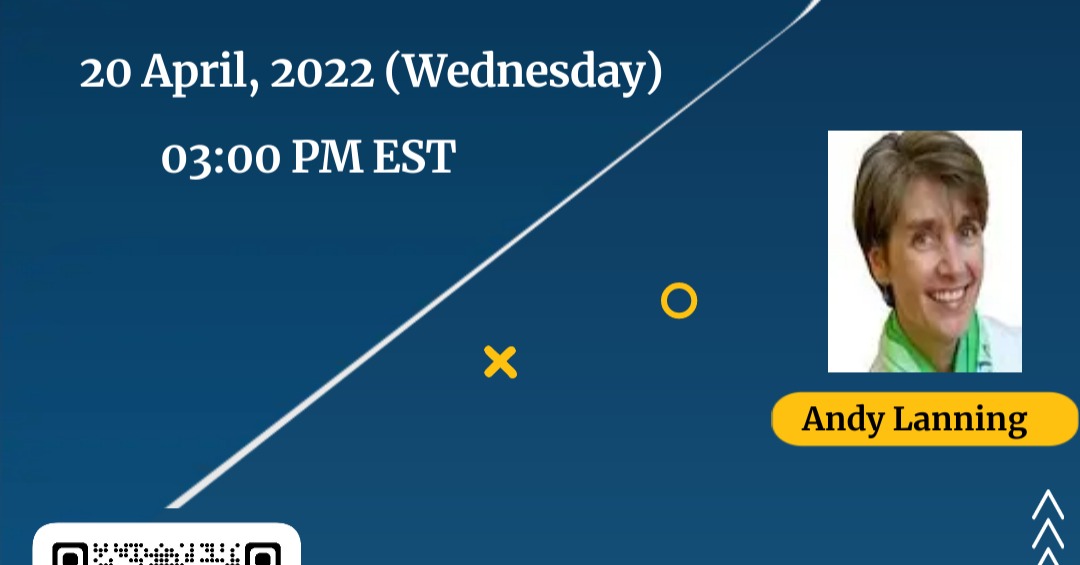
Andy Lanning, owner, trainer, and Chief Nerd of Computer Software Training, LLC. Andy has 25+ years of experience teaching computer software in the corporate and university environments. She teaches basic to advanced levels in most Microsoft Office programs.
For more detail, please click on this below link: https://bit.ly/3M7sK5A Email: info@247compliance.us Tel: +1-661-336-9555 https://www.linkedin.com/in/whitney-jones-873573179/recent-activity/